

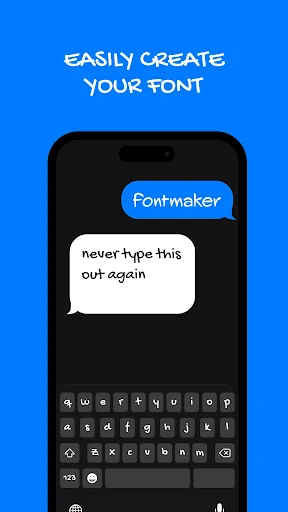
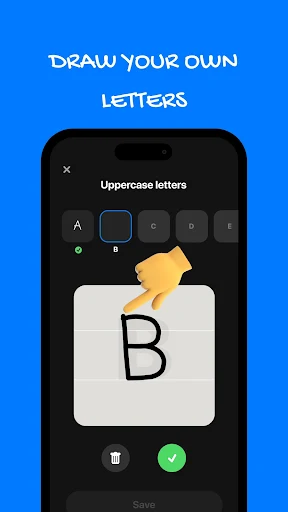

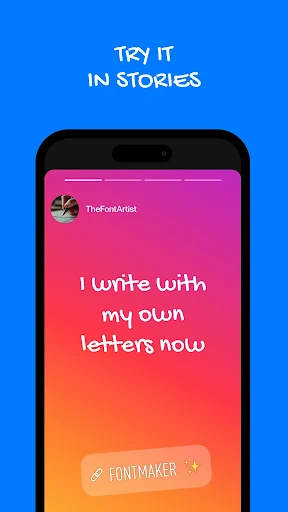
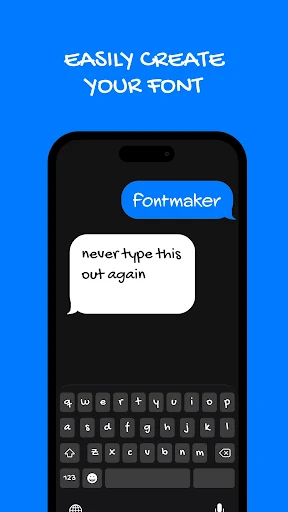
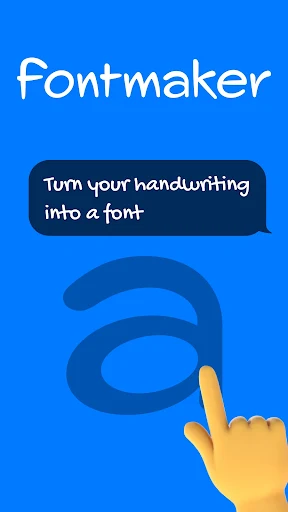
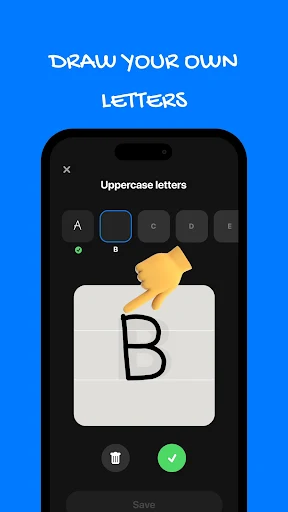
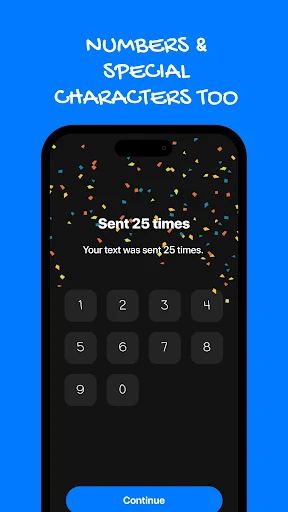

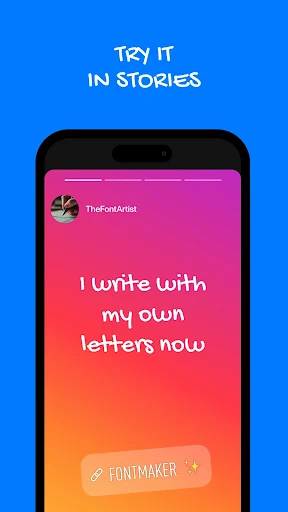
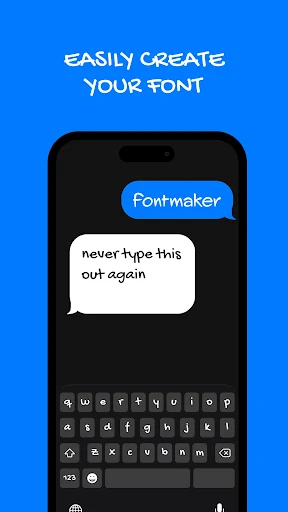
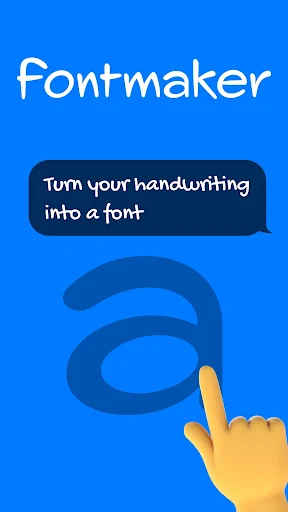
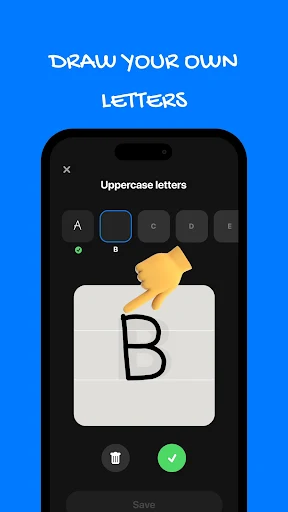

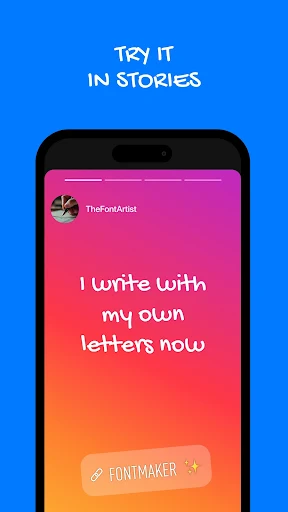
Fontmaker – Font Keyboard App allows users to transform their personal handwriting into a digital font for use across their device. This app facilitates the creation of a custom font by having users write each letter, number, symbol, and special character on their phone. Once created, this unique font can then be enabled as a keyboard, enabling users to type with their own handwriting in various applications, including messages, captions, notes, and posts, making typed communication feel more personal.
Creating Your Custom Font
The core function of Fontmaker is to convert your unique handwriting style into a functional digital font. Users write each individual character directly on their phone. The app supports various writing styles, including cursive, print, or a user’s everyday scrawl, ensuring the resulting font accurately reflects their personal style. This process is designed to be completed in minutes, after which the custom font is saved and ready for use.
Typing with Your Handwriting Keyboard
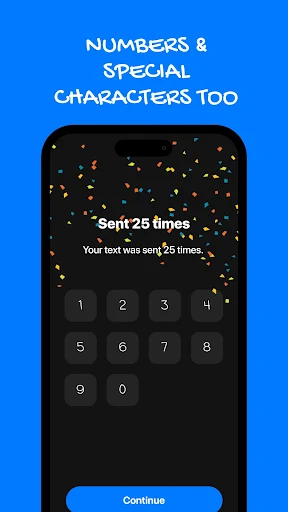
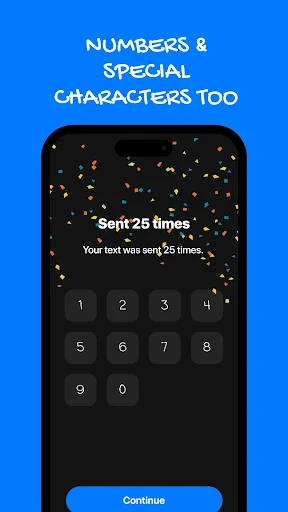
After creating a font, it becomes available as a custom keyboard. Users can switch to this handwriting keyboard through their device settings and then type using their own script in any app that supports keyboard input. This capability extends beyond basic text, allowing for decorative text and font art in captions and bios, all rendered in the user’s distinctive handwriting, including numbers, symbols, and special characters. The app also supports creating multiple fonts, allowing users to switch between different handwriting styles they have digitized.
Privacy Considerations
Fontmaker operates as a keyboard on your device. Users are advised to review the permission details in the Data safety section of the app’s store page before enabling the keyboard, to understand how it interacts with their device and data. The app states that no account is needed to begin the font creation process.







Write a review